I owned my first telescope in grade school. It was a very cheap one I bought at K-Mart. I remember looking at the moon, Jupiter, and Saturn through it. I could actually see Saturn's rings and four of Jupiter’s moons with that cheap scope.
I got my next telescope much later in life, when I was living in the Virginia Beach area. I purchased an 8" Schmidt-Cassegrain telescope that actually had GPS, tracking, and auto-finding for locating objects. These were early days for this kind of electronics, and they worked, but not always.
I shipped this telescope around the world while I was in the Navy, and I eventually sold it here in Washington a couple of years ago. I wasn't using it, and it was very big and bulky to store.
Starting a few years ago, smart telescopes started to be released. These scopes are much smaller and capture light on their sensors, but you don't view through the scope directly. You view objects using a smartphone or tablet, like an iPad. They all work similarly: they capture multiple images of the sky over a set duration, then stack them together to create a single image. These new smart telescopes have very accurate GPS, tracking, and auto-finding. They don't even have to be level to work correctly. You basically set it up on a tripod, turn it on, and tell it what you want to view. These scopes even provide a solar filter for observing the sun.
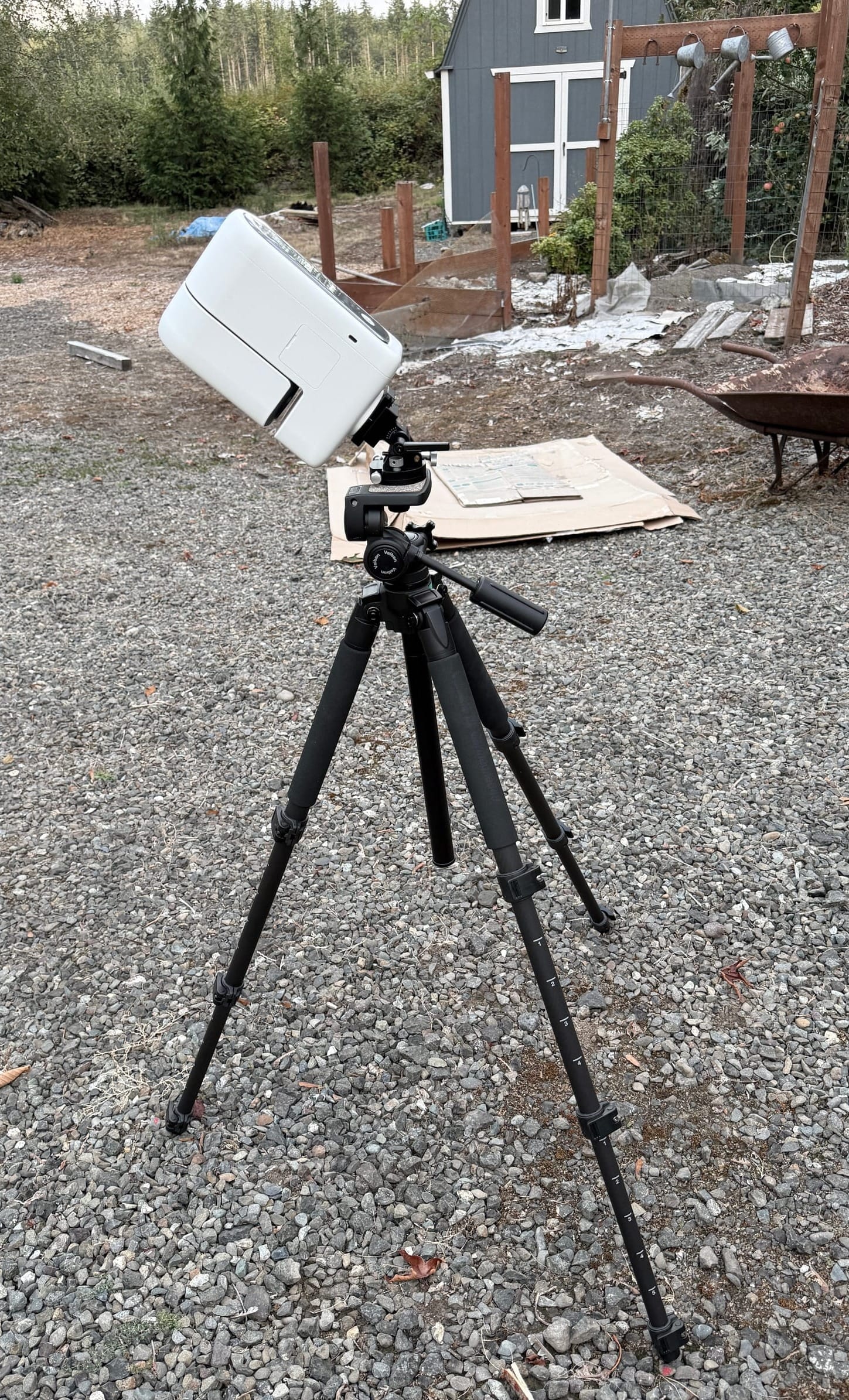
Like any other new technology, the price of the first smart telescopes was very high, in the thousands of dollars. That was too rich for my blood, but I was always intrigued by what they could do. At the beginning of this year, I bought the ZWO Seestar S30 Pro, a smart telescope for around $625, including tax and tariffs. The S30 Pro is a small scope, smaller than a 2-liter bottle of soda and weighing only 3.6 pounds. The S30 Pro has a 30 mm (1.2 inch) aperture and a 160 mm focal length. For a telescope, a larger aperture makes faint objects easier to detect and reveals more detail, depending on the object and the observing conditions. A 30 mm aperture is very small, but you will be surprised by what you can image with it.
The S30 Pro has an 8.29-megapixel CMOS sensor, 128 gigabytes of storage, and a 6-hour battery life. It has a port to plug in an external battery to extend battery life for many more hours. I routinely use the port and external battery, as I leave the smart telescope capturing images all night.
Although I have owned the S30 Pro since January 2026, I didn't take it out and use it until August 2026. My first viewing session was on the evening of August 6. As expected, there were some glitches and confusion about how to use the software, but getting out there and using it helped me get more familiar with how it works.
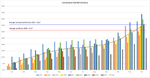
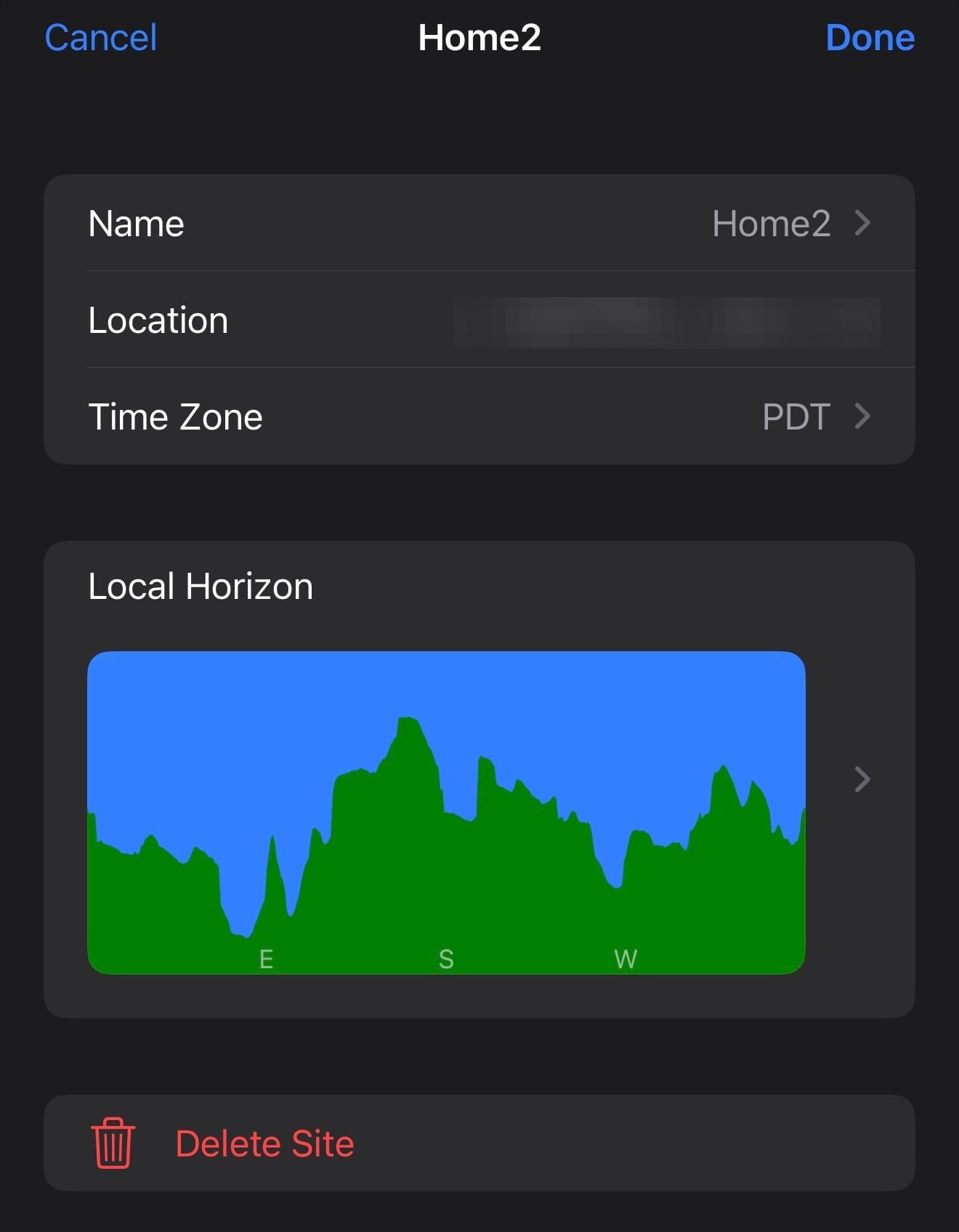
On a side note, we have 100-foot-tall trees surrounding our property, and they reduce what you can see in the sky. The telescope software tells you the best objects to view, but it isn't aware of the trees or other objects that block the horizon. Luckily, a few days later I found an iPhone app in the App Store that let me capture my horizon using my iPhone's camera, and then the app takes that into consideration when you choose an object. The app is called "Observer Pro" by Joshua Bury. It is one of the more expensive apps, at a one-time cost of $14, but it is invaluable and includes a lot of object data in addition to horizon mapping. (see diagram below)
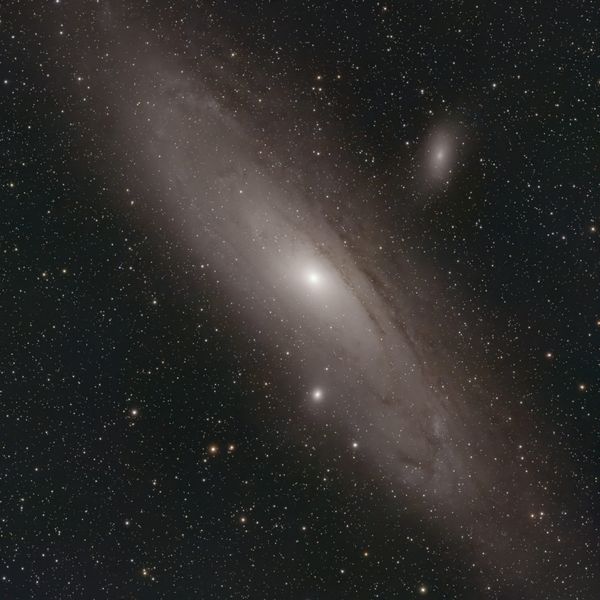
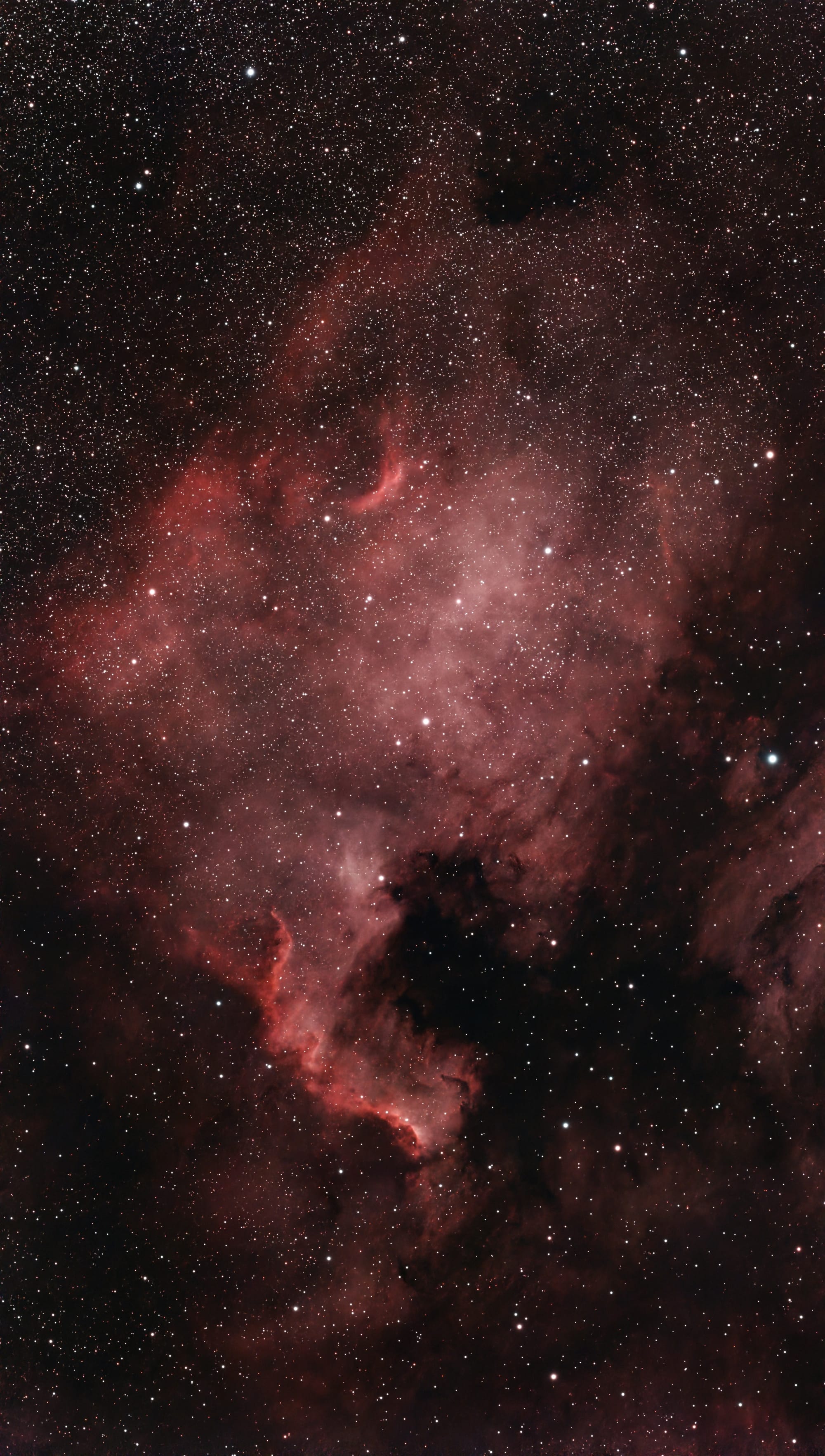
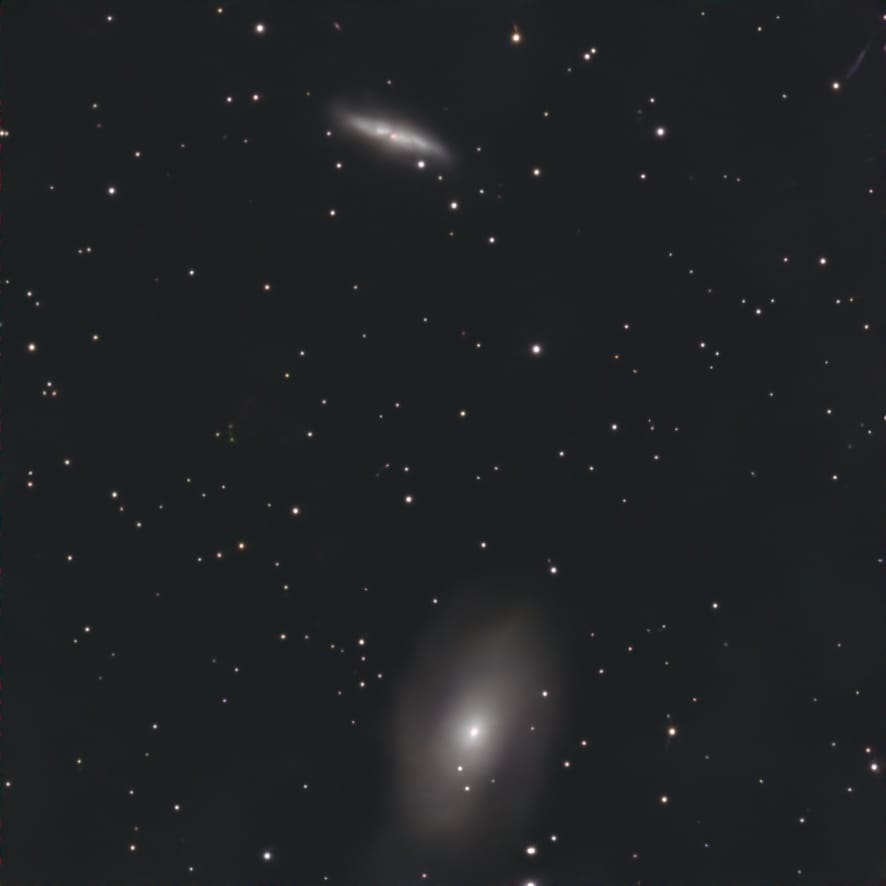
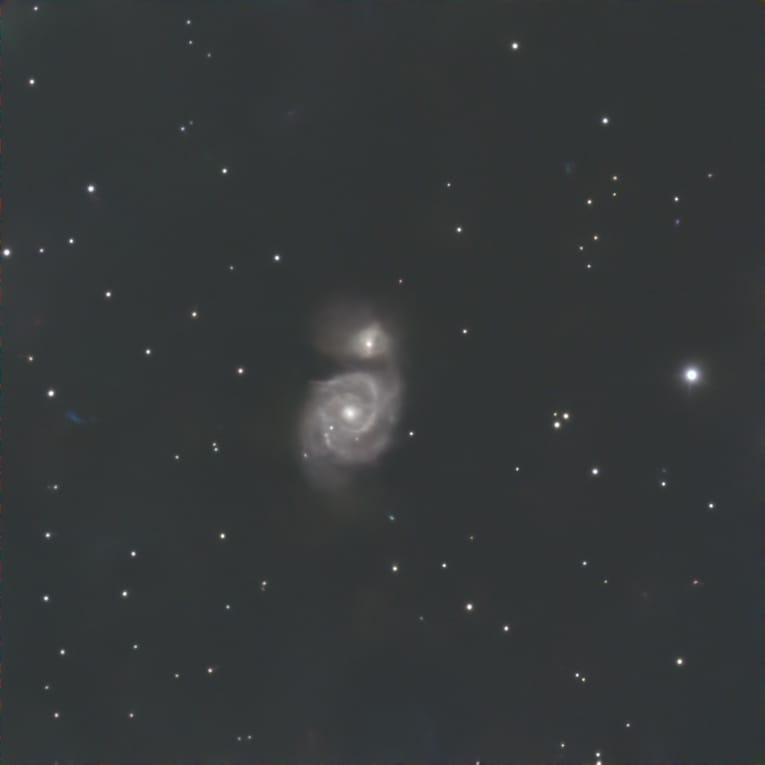
I've included some of the images I captured that first night in this article.
Each individual exposure is pretty bland, with little visible detail. Stacking the exposures brings out more, but the result still needs processing to become a finished image. To get a good image, you have to run the stacked image through astrophotography software that brings it to life. Many consider it the top-tier software: PixInsight, which costs around $300. It's the best, but it's very complicated and has a huge learning curve. A strong contender is called Siril, which is free. Siril also has a steep learning curve, but it's much easier than PixInsight. Just as I was starting to watch YouTube videos on how to use Siril, I saw that an astrophotographer was developing a new free app that made the entire process much easier. The developer, Luke Newbould, uses the YouTube channel called Lukomatico (https://www.youtube.com/c/lukomatico), and he has a new app that supports Mac, Windows, and Unix systems called "AstroWizard". "AstroWizard" walks the user step by step through converting drab stacked images into a beautiful image. Finding this program was HUGE for me. Like others, I'm so in awe of what Luke has created that many of us donate to him monthly to support his efforts. Luke has made many updates since releasing his first version and continues to improve the software and add functionality.
Since I started writing this article, Luke has released another piece of software called "StackingWizard". This application takes all the images you capture of a specific object, stacks them into a single image, and then passes that image to "AstroWizard" for processing. I now also use this app to stack all my images before I pass them to “AstroWizard”. Using these two pieces of software provides the full process of capturing, stacking, and processing images.
Being able to set up the smart telescope easily, capture faint images the naked eye cannot see, and watch the images appear on my iPad while sitting in the house has made this very enjoyable. No mosquitoes in the summer or freezing in the winter with this setup that I can control and watch while inside the house.
I have taken many more images since that first night, though I haven't processed them all yet. I will be posting another article here on the blog with some other images I captured and processed. Many more have already been posted on my Instagram account: https://instagram.com/dpfaulk